
 butlerx
43c4d041c4
butlerx
43c4d041c4
|
9 years ago | |
|---|---|---|
| bin | 9 years ago | |
| public | 9 years ago | |
| .eslintignore | 10 years ago | |
| .eslintrc | 10 years ago | |
| .gitignore | 12 years ago | |
| Dockerfile | 9 years ago | |
| Gruntfile.js | 10 years ago | |
| LICENSE | 13 years ago | |
| README.md | 9 years ago | |
| app.js | 9 years ago | |
| docker-compose.yml | 9 years ago | |
| package.json | 10 years ago | |
| terminal.png | 13 years ago | |
| yarn.lock | 9 years ago | |

README.md
Wetty = Web + tty
Terminal over HTTP and HTTPS. Wetty is an alternative to ajaxterm/anyterm but much better than them because wetty uses ChromeOS' terminal emulator (hterm) which is a full fledged implementation of terminal emulation written entirely in Javascript. Also it uses websockets instead of Ajax and hence better response time.
hterm source - https://chromium.googlesource.com/apps/libapps/+/master/hterm/
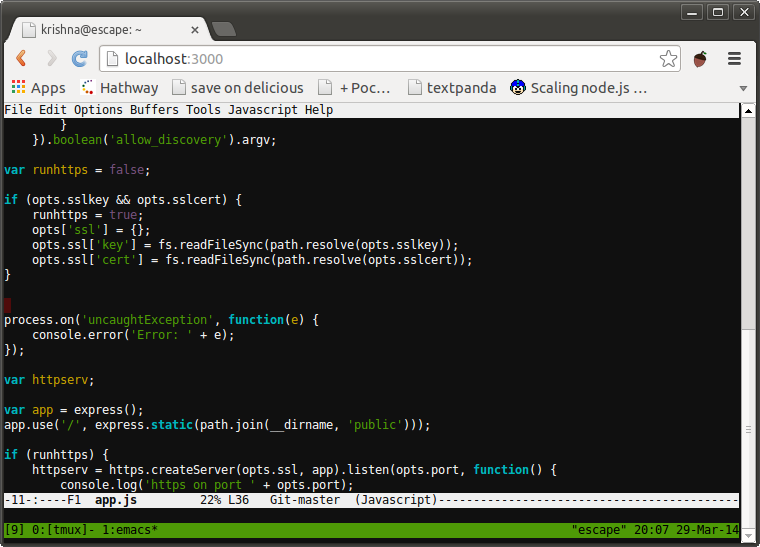
This fork has a few of the open PR's from the original merged in as well as scripts to make running in docker better.
Install
git clone https://github.com/butlerx/wettycd wettyyarn
Run on HTTP
node app.js -p 3000
If you run it as root it will launch /bin/login (where you can specify
the user name), else it will launch ssh and connect by default to
localhost.
If instead you wish to connect to a remote host you can specify the
--sshhost option, the SSH port using the --sshport option and the
SSH user using the --sshuser option.
You can also specify the SSH user name in the address bar like this:
http://yourserver:3000/wetty/ssh/<username>
Run on HTTPS
Always use HTTPS. If you don't have SSL certificates from a CA you can create a self signed certificate using this command:
openssl req -x509 -newkey rsa:2048 -keyout key.pem -out cert.pem -days 30000 -nodes
And then run:
node app.js --sslkey key.pem --sslcert cert.pem -p 3000
Again, if you run it as root it will launch /bin/login, else it will
launch SSH to localhost or a specified host as explained above.
Run wetty behind nginx
Put the following configuration in nginx's conf:
location /wetty {
  proxy_pass http://127.0.0.1:3000/wetty;
  proxy_http_version 1.1;
  proxy_set_header Upgrade $http_upgrade;
  proxy_set_header Connection "upgrade";
  proxy_read_timeout 43200000;

  proxy_set_header X-Real-IP $remote_addr;
  proxy_set_header X-Forwarded-For $proxy_add_x_forwarded_for;
  proxy_set_header Host $http_host;
  proxy_set_header X-NginX-Proxy true;
}
If you are running app.js as root and have an Nginx proxy you have to use:
http://yourserver.com/wetty
Else if you are running app.js as a regular user you have to use:
http://yourserver.com/wetty/ssh/<username>
Note that if your Nginx is configured for HTTPS you should run wetty without SSL.
Dockerized Version
This repo includes a Dockerfile you can use to run a Dockerized version of wetty. You can run whatever you want!
Just modify docker-compose and run:
docker-compose up -d
Visit the appropriate URL in your browser ([localhost|$(boot2docker ip)]:PORT).
The default username is term and the password is term, if you did not modify SSHHOST
If you dont want to build the image yourself just remove the line build; .
Run wetty as a service daemon
Install wetty globally with -g option:
    $ sudo npm install wetty -g
    $ sudo cp /usr/local/lib/node_modules/wetty/bin/wetty.conf /etc/init
    $ sudo start wetty
This will start wetty on port 3000. If you want to change the port or redirect
stdout/stderr you should change the last line in wetty.conf file, something
like this:
exec sudo -u root wetty -p 80 >> /var/log/wetty.log 2>&1
Clean-up
If users dont fully disconnect when finished ssh connections will actually be kept open the simplest
way to deal with this is run /app/bin/cleanup on a cron job.